Text Scroller
On this page
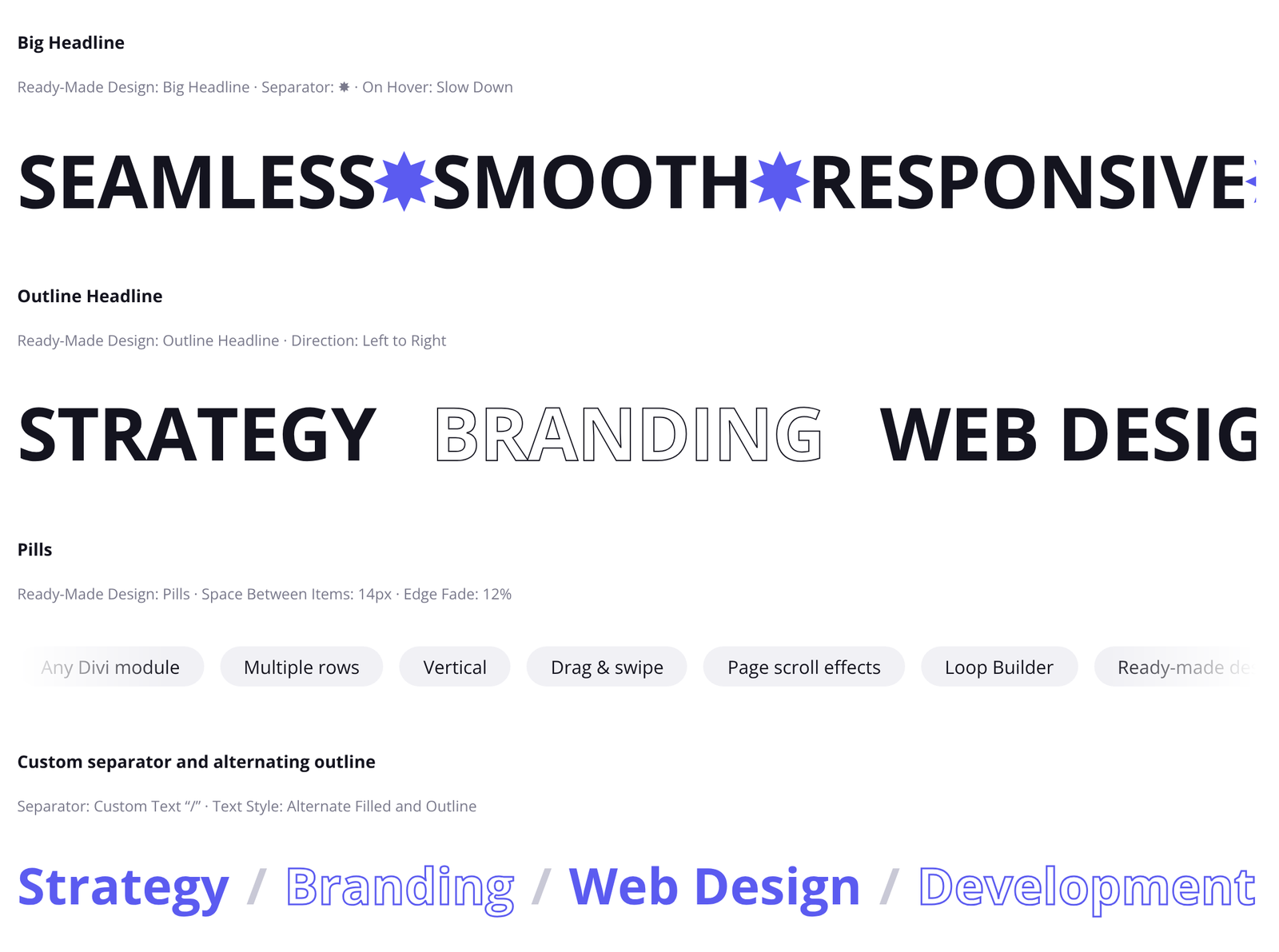
The Text Scroller turns a list of phrases into a scrolling line. Use it for big headlines, service lists, keyword bands and news-style tickers.
Content tab
| Group | Setting | What it does |
|---|---|---|
| Text | Text Items | Each item scrolls as a separate phrase. Drag items to reorder them, and use the link icon to make an item clickable. |
| Text | Separator | A symbol shown between items. See Separators. |
| Text | Separator Text | Your own short text or emoji between items. Appears when Separator is set to Custom Text. |
| Scrolling | Speed, direction, hover, edge fade, drag, page scroll effects, pause button and reduced motion. See Scrolling settings. | |
| Rows | Split the phrases into up to 6 rows. See Rows. | |
Design tab
| Group | What it does |
|---|---|
| Ready-Made Design | Big Headline, Outline Headline, Ribbon or Pills. See Ready-made designs. |
| Phrase Text | Font, size, weight, colour and spacing of the phrases. |
| Separator | Font, size and colour of the separator. |
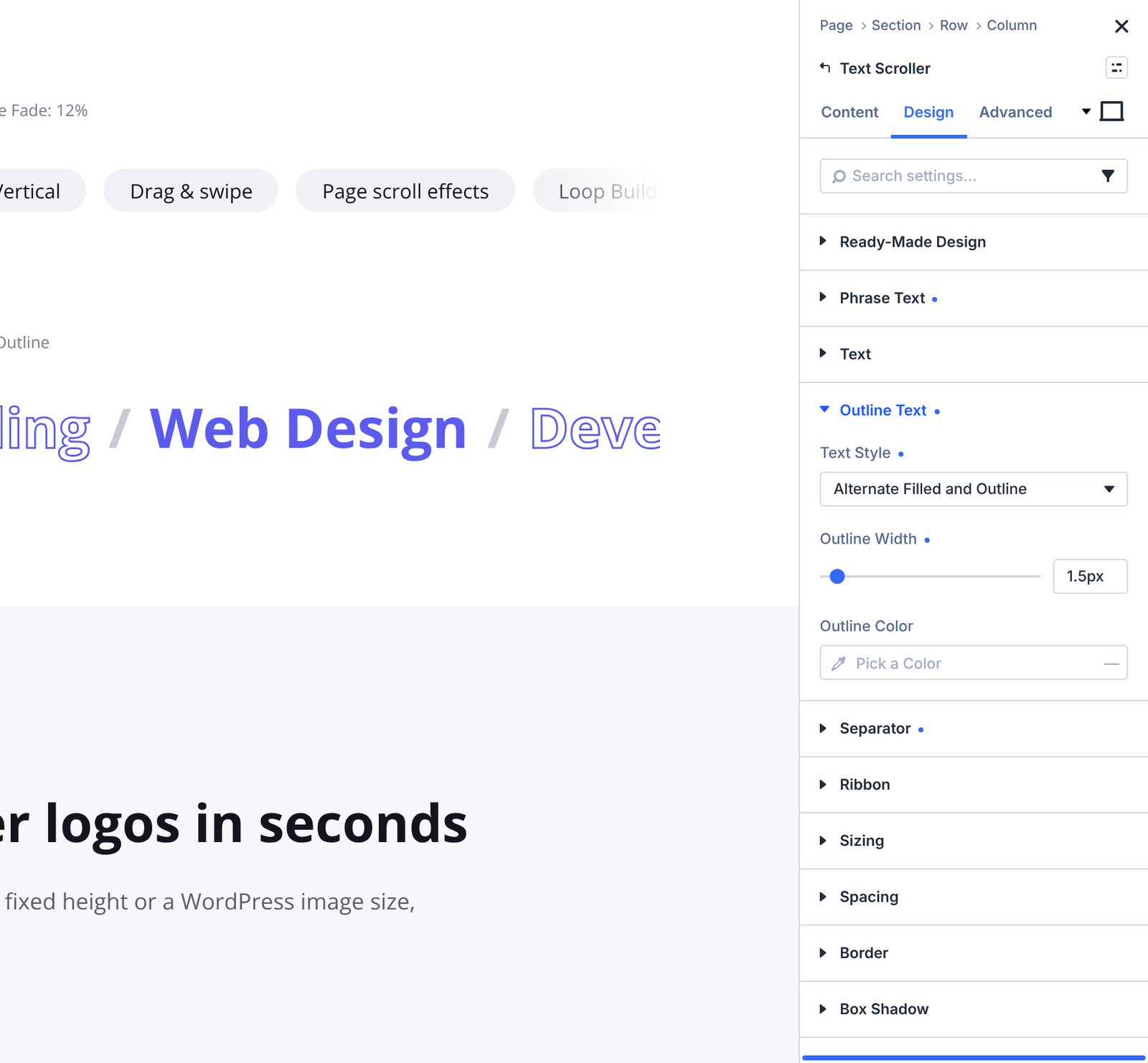
| Outline Text | Text Style (Filled, Outline, or Alternate Filled and Outline), Outline Width and Outline Color. Outline Width and Outline Color appear when Text Style isn’t Filled. Leave Outline Color empty to use the text colour. Global colours are supported. |
| Ribbon | Tilt, Extend Beyond Edges, background, spacing, border and shadow of the band. See Ribbon. |
Default space between phrases: 48px.