Accessibility
Moving content can be hard for some visitors to read. Divi Scroller DS is built to stay usable for everyone:
- Pause/play button: on by default. It appears on hover and keyboard focus, is always visible on touch screens, and stays visible while paused. This follows WCAG 2.2.2 (Pause, Stop, Hide). Turn it off in Pause Button only if you have another way to stop the motion.
- Keyboard: moving the keyboard focus into a scroller pauses it, so links and buttons are easy to reach.
- Screen readers: the repeated copies used for the seamless loop are hidden from screen readers and keyboard navigation, so each item is read and reached only once.
- Reduced motion: when a visitor asks their device to reduce motion, the scroller follows the Reduced Motion setting. With the default, Stop (Recommended), nothing moves: horizontal scrollers show the items in a row that visitors can scroll sideways, and vertical scrollers keep their Height and can be scrolled up and down. The repeated copies, drag and page scroll effects are turned off.
- Clickable copies: links work on every repeated copy of an item, including Divi modules with a link.
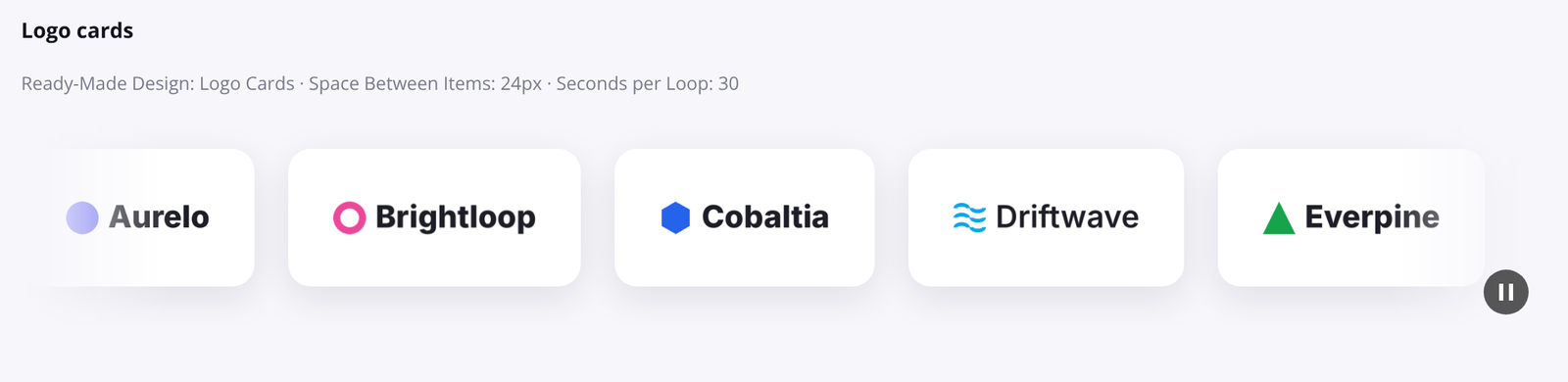
On the Scroller module, you can style the pause button with Custom CSS (Advanced tab, Pause Button element).