Scroller, Scroller Item and Scroller Testimonial
On this page
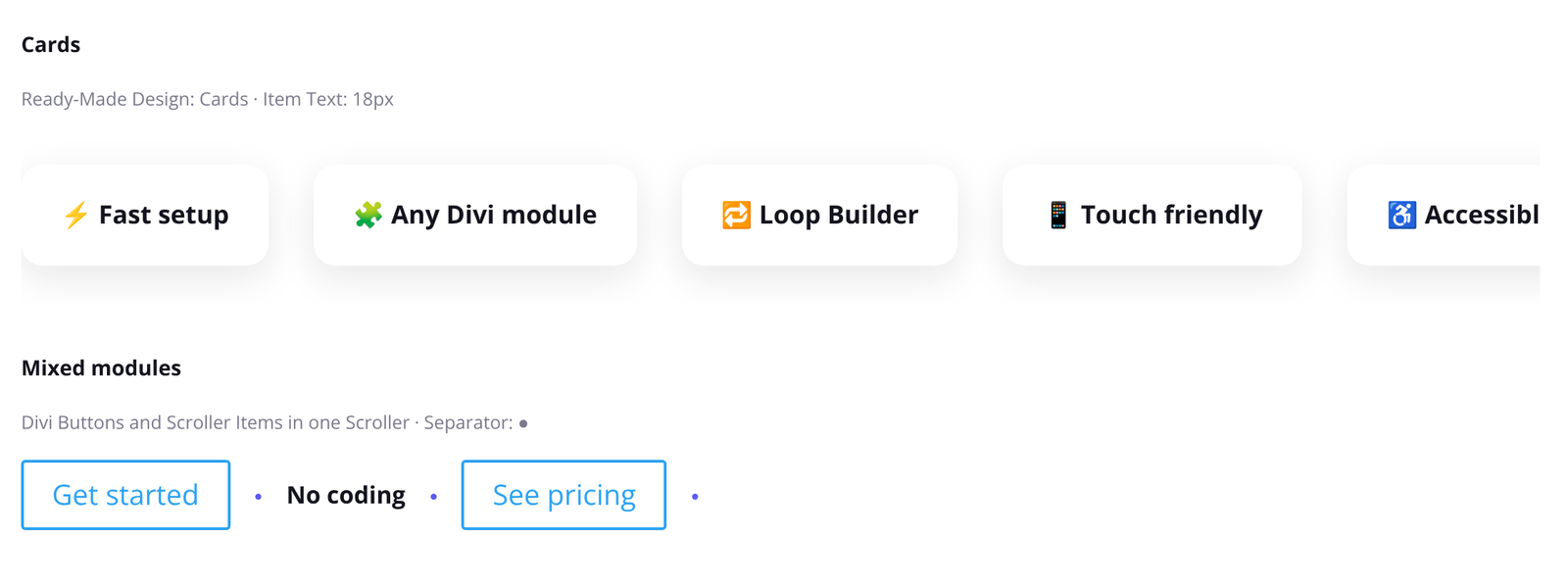
The Scroller is the most flexible module. It scrolls anything you put inside it: Divi modules (buttons, blurbs, images, text, groups and more) and its own quick Scroller Items and Scroller Testimonials. You can mix all of them in one Scroller.
Adding items
- Add a Scroller module.
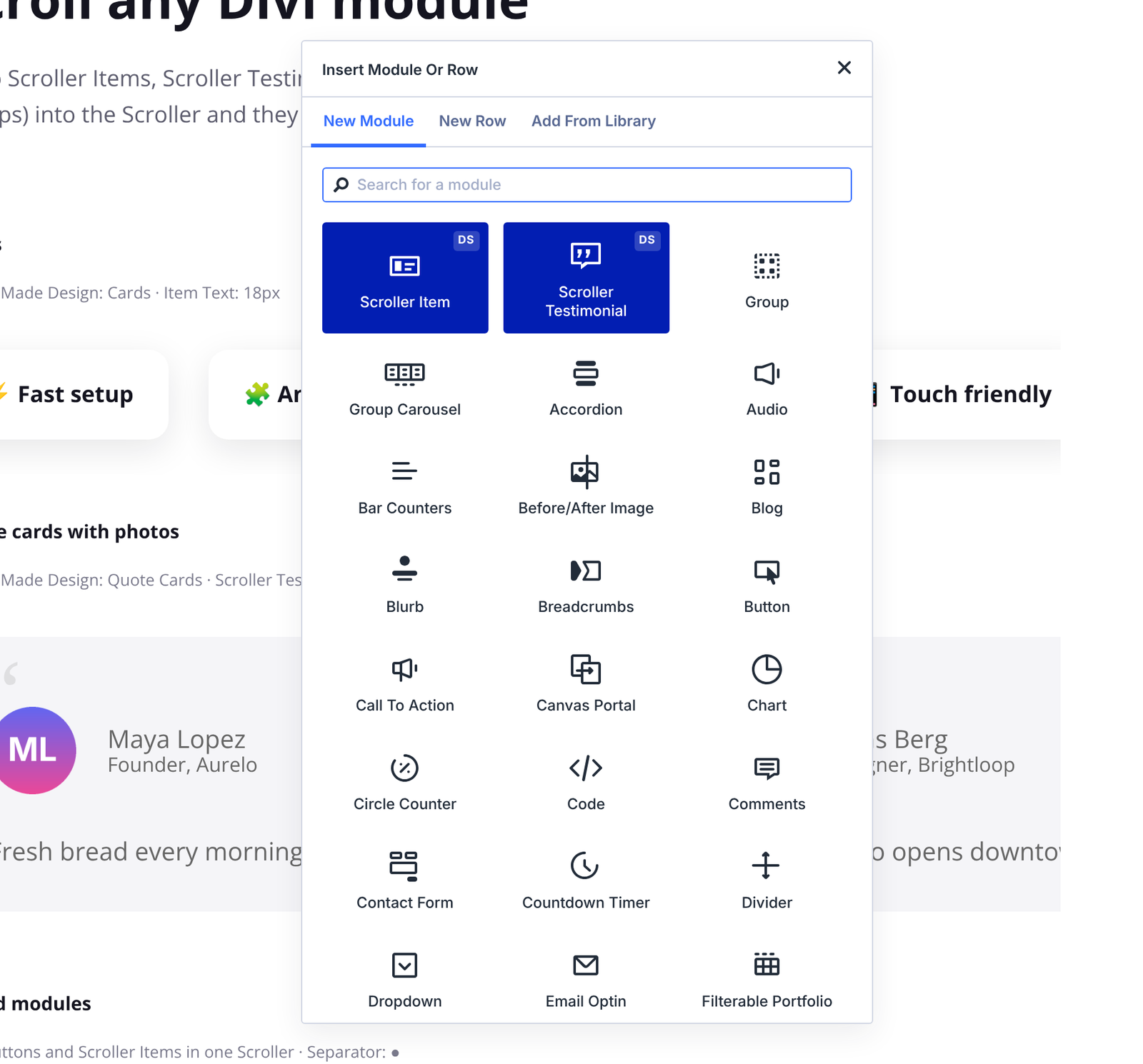
- Click the plus button inside the Scroller and choose Scroller Item, Scroller Testimonial or any other Divi module.
- Add as many items as you need. The Scroller repeats them to fill the width and loop seamlessly.
Scroller settings
| Tab | Group | What it does |
|---|---|---|
| Content | Scrolling | See Scrolling settings. |
| Content | Rows | See Rows. |
| Content | Separator | Separator and Separator Text between items. |
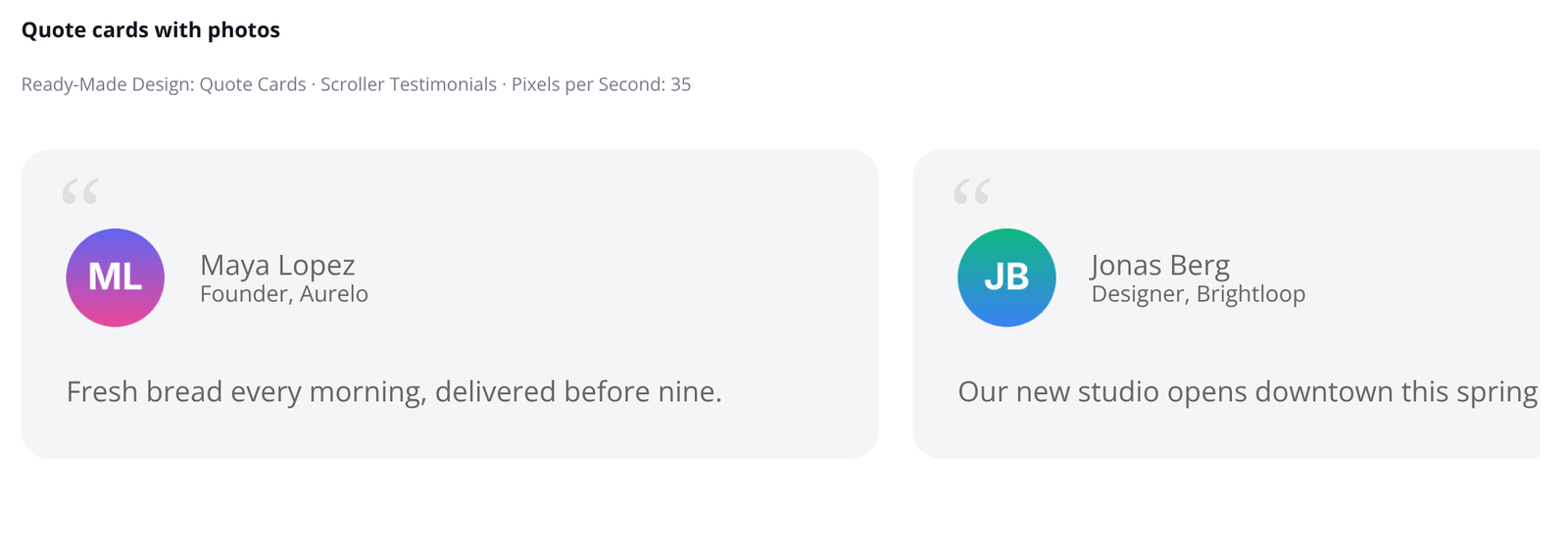
| Design | Ready-Made Design | Cards, Glass, Quote Cards or Tags. |
| Design | Items | Background, sizing, spacing, border, box shadow and filters for every item at once. Handy for card layouts. Note: for now, these options also override the same options set on a single item (see Known limits). |
| Design | Item Text | Font settings for the text of all Scroller Items. |
| Design | Testimonial Name, Testimonial Position, Testimonial Text, Testimonial Photo | Styles for all Scroller Testimonials at once. |
| Design | Separator, Ribbon | As on the other modules. |
Text settings on a single Scroller Item or Scroller Testimonial (its Text, Name, Position and Testimonial text styles) override the Scroller’s Item Text and Testimonial settings for that item. Box options such as background and border don’t override the Scroller’s Items group yet; see Known limits.
Scroller Item
| Group | Setting | What it does |
|---|---|---|
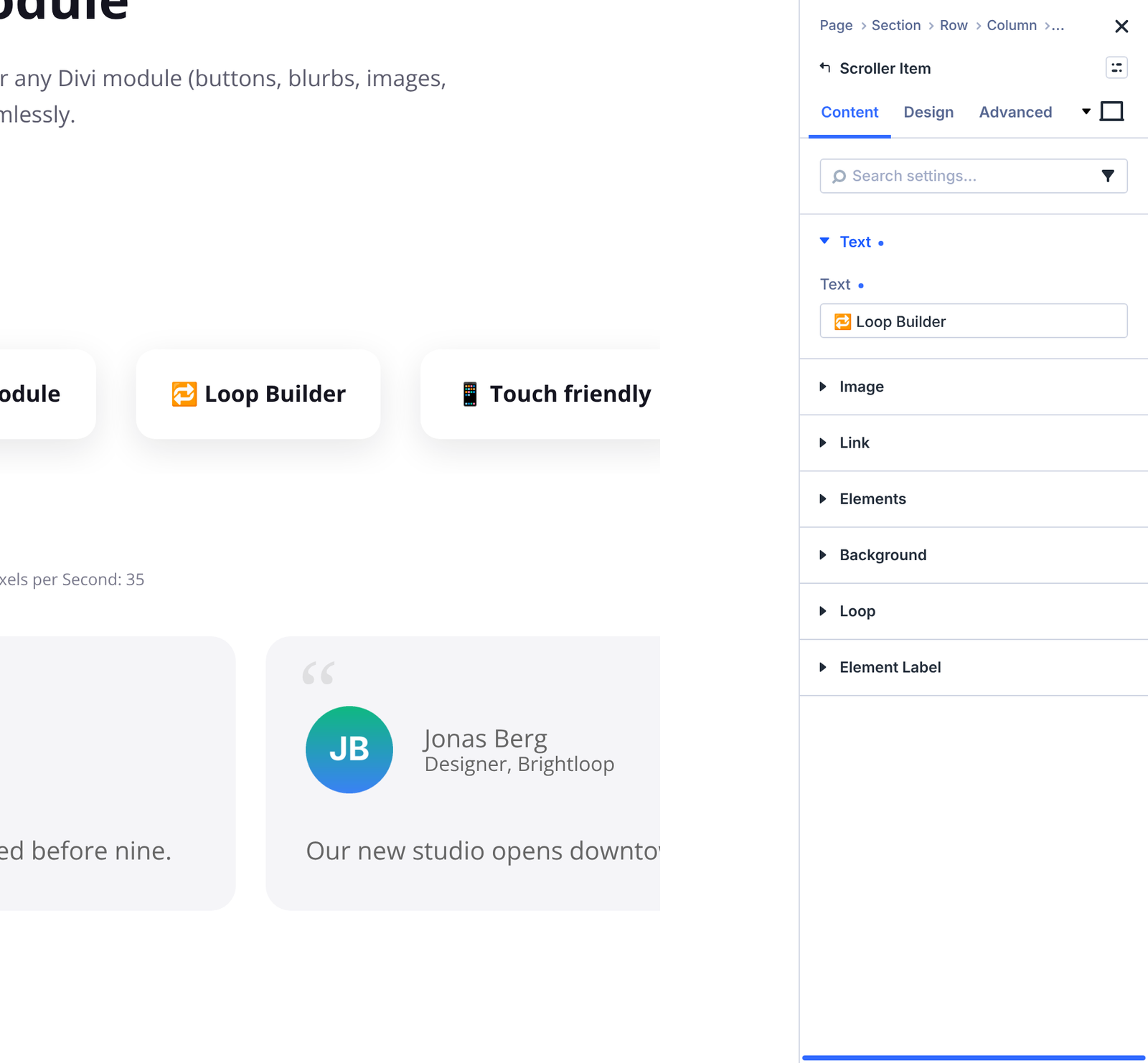
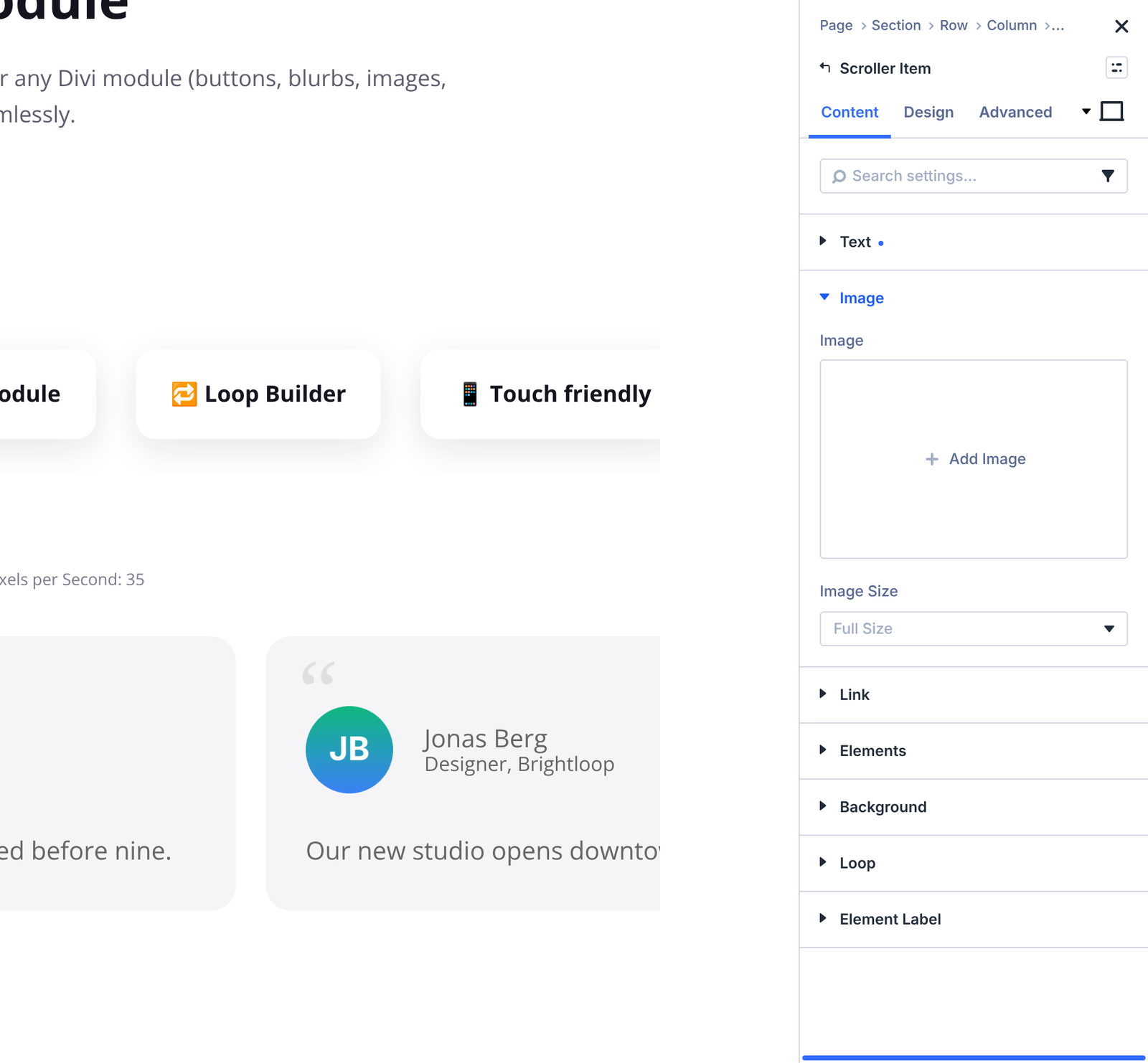
| Text | Text | Text shown in the item. Leave it empty for an image-only item. |
| Image | Image | A logo, icon or picture. |
| Image | Image Size | The WordPress image size to load (Thumbnail to Full Size). Smaller sizes load faster. The image shows at that size unless you set a width in the Design tab. |
Design tab: Text and Image groups, plus Divi’s usual background, spacing, border and shadow options. To make an item clickable, use Divi’s Link option.
Scroller Testimonial
| Group | Setting | What it does |
|---|---|---|
| Text | Name, Position, Testimonial | The person’s name, their role or company, and the testimonial text. |
| Photo | Photo | A photo or avatar of the person. |
Design tab: Name Text, Position Text, Testimonial Text and Photo.
What to put in a Scroller: text, images, buttons, cards and testimonials work best. Modules that run their own scripts, such as videos, forms, sliders or number counters, may not behave like the original in the repeated copies. See Known limits.