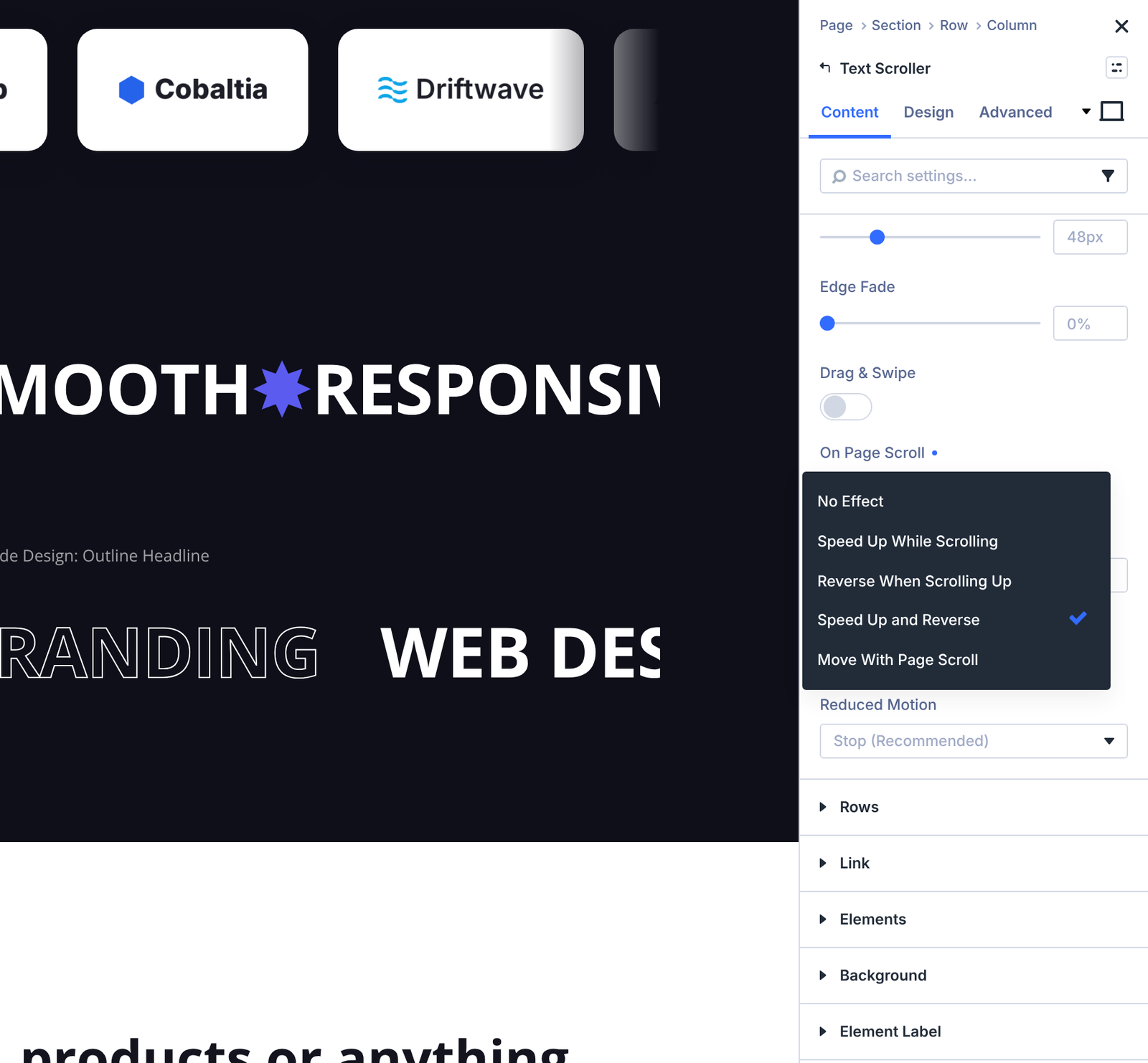
Page scroll effects
On Page Scroll in Content > Scrolling makes the scroller react when the visitor scrolls the page:
| Option | What it does |
|---|---|
| No Effect | The scroller ignores page scrolling (default). |
| Speed Up While Scrolling | The items move faster while the page scrolls. |
| Reverse When Scrolling Up | The items change direction while the page scrolls up. |
| Speed Up and Reverse | Both effects together. |
| Move With Page Scroll | The items move only as the page scrolls (“scrub”). Set Speed to 0 if they should stay still otherwise. |
Scroll Intensity (1–10, default 4) sets how strongly the items react: the top speed while scrolling, or how far they move with the page.
Page scroll effects only run while the scroller is on screen, and they’re turned off for visitors who ask their device to reduce motion.