Separators, ribbon and edge fade
On this page
Separators
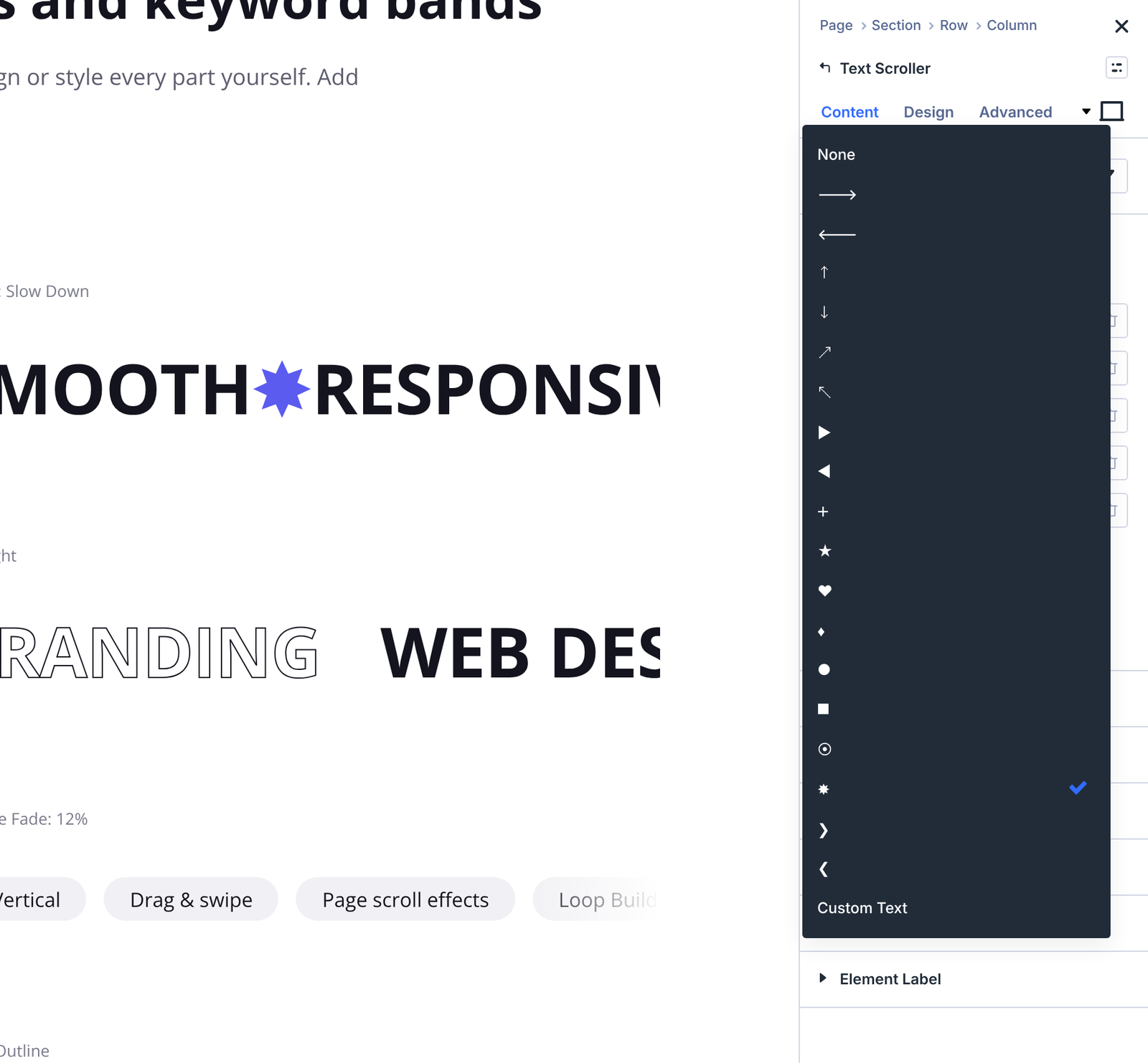
A separator is a symbol or short text shown between items, centred in the space between them. Choose it in the Separator setting (Content tab) of Text Scroller, Logo Scroller or Scroller:
- Symbols: arrows in six directions, triangles, plus, star, heart, diamond, circle, square, bullet, pointed star and chevrons.
- Custom Text: type any short text or emoji in Separator Text, for example “/” or “•”.
Style the separator’s font, size and colour in Design > Separator. In vertical scrollers, separators sit between the items in the column.
Ribbon
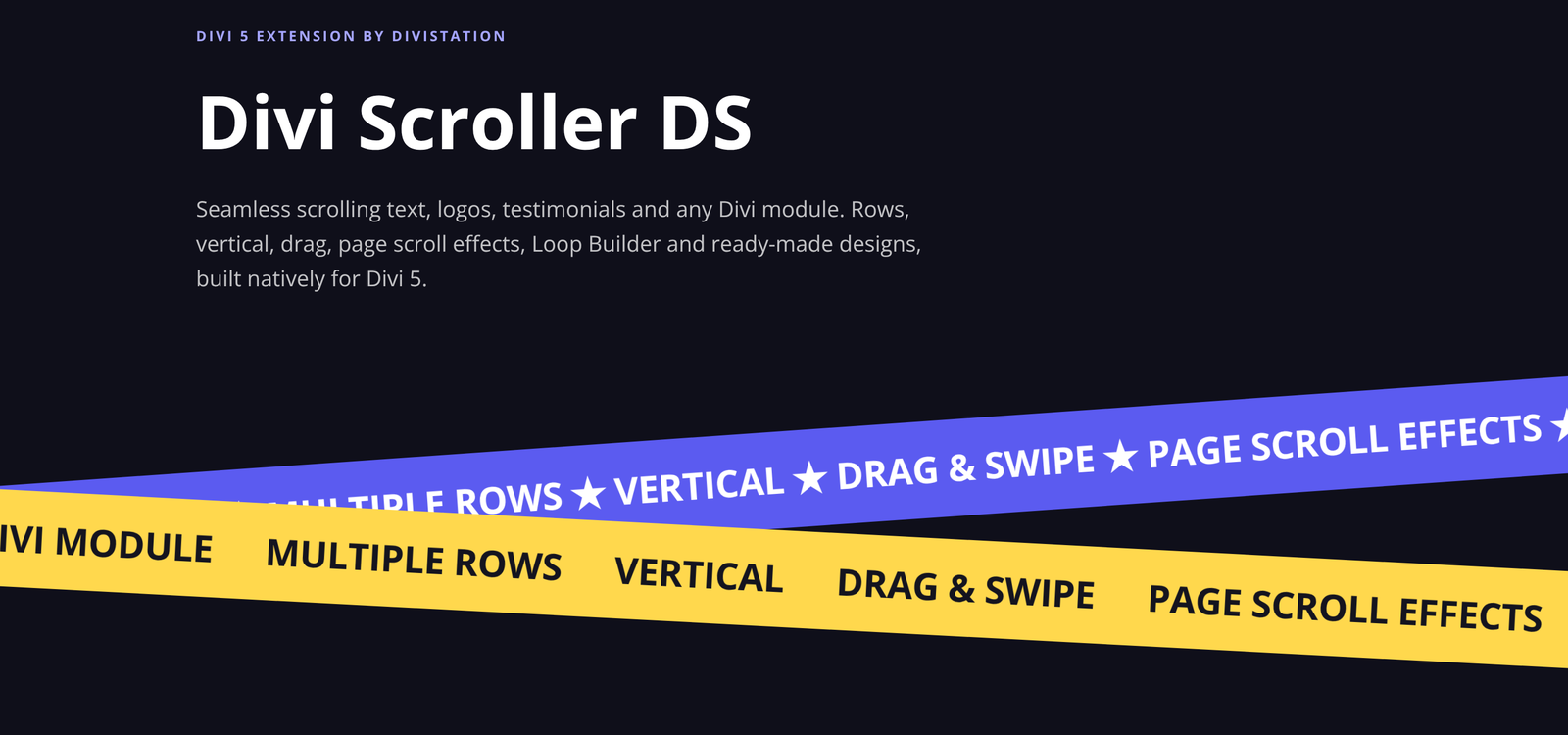
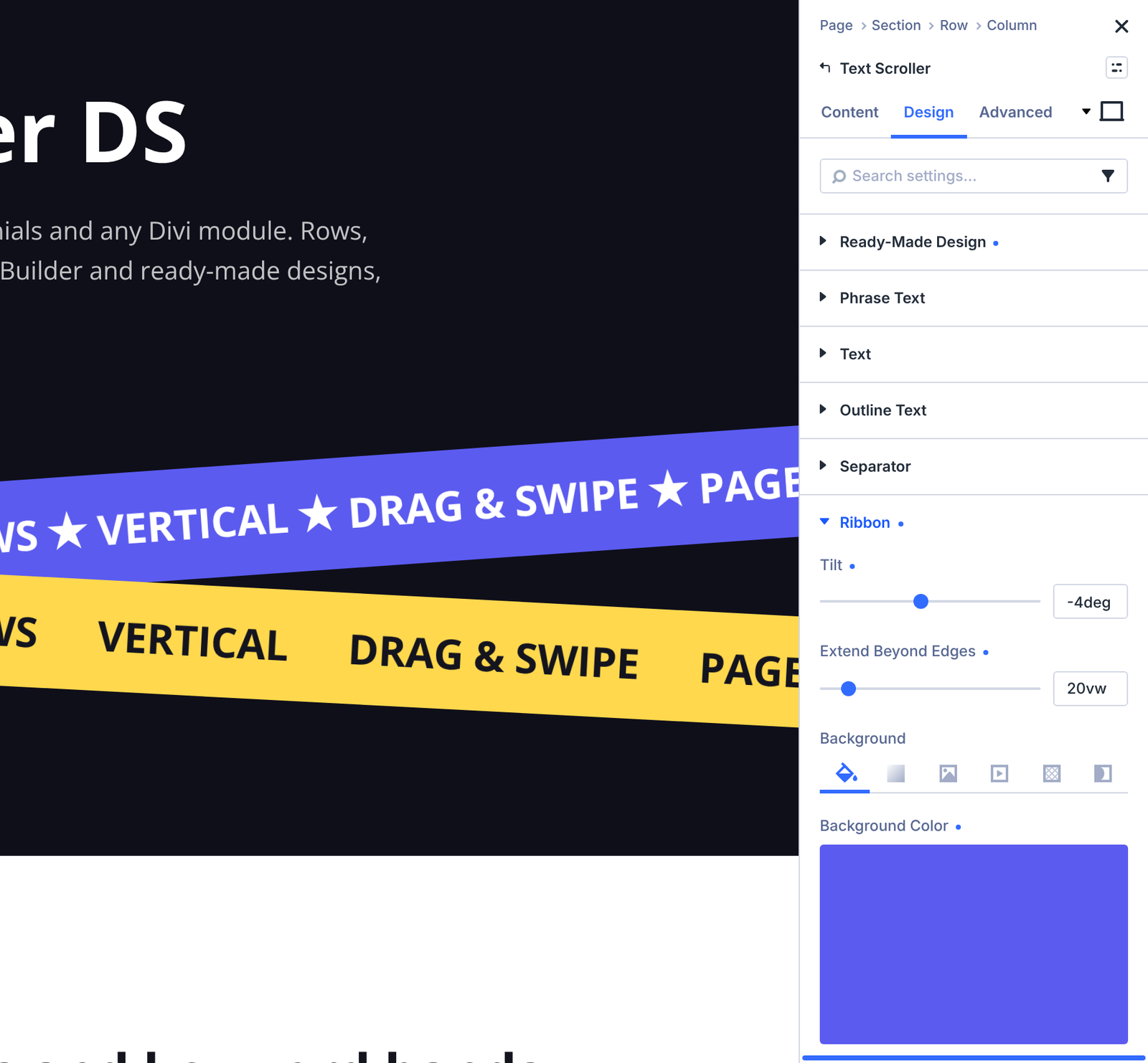
Design > Ribbon styles the band that holds the scrolling items:
- Tilt: rotates the band (−20° to 20°, up to ±45°). Two modules with opposite tilts make crossed ribbons.
- Extend Beyond Edges: makes the band wider than the module on both sides, so a tilted band runs off the screen edges.
- Background, spacing, border and box shadow of the band.
Tip: when you tilt or extend a ribbon, set the section’s horizontal overflow to hidden so the page doesn’t scroll sideways.
Edge fade
Edge Fade in Content > Scrolling softly fades the items out at both edges. Set it in % of the width or in px, or set 0 to turn it off.