Loop Builder
Scroller Items and Scroller Testimonials support Divi’s Loop Builder, so a scroller can fill itself with your latest posts, products or custom post types.
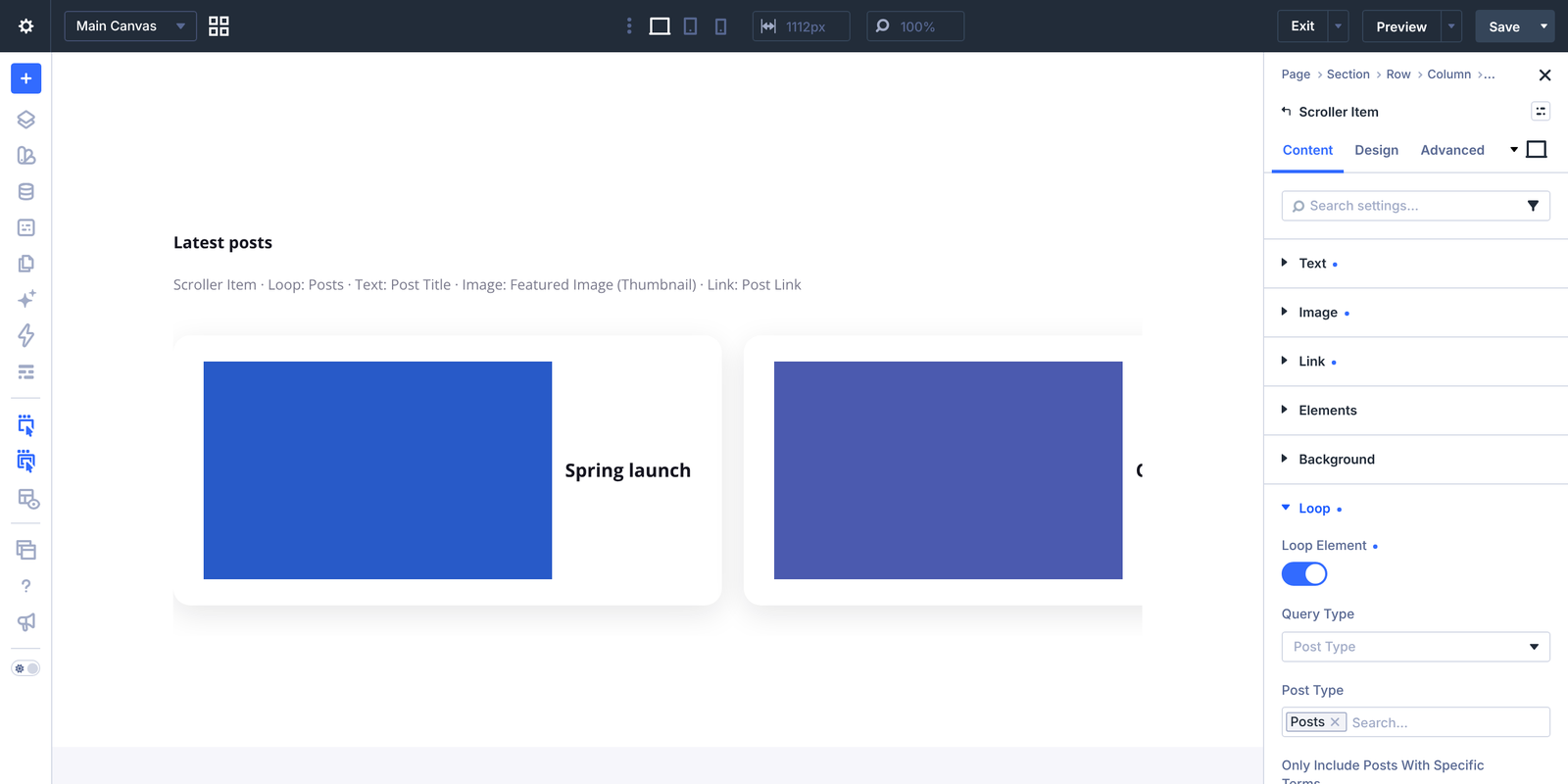
- Add a Scroller with one Scroller Item (or Scroller Testimonial) inside.
- Open the item’s settings and turn on Loop Element in the Loop group.
- Choose the query, for example Post Type: Posts, and any filters.
- Use dynamic content for the item’s fields, for example Post Title for the Text, Featured Image for the Image and Post Link for the link.
On the front end, the item repeats once for every result, and rows, separators and the seamless loop work as usual.
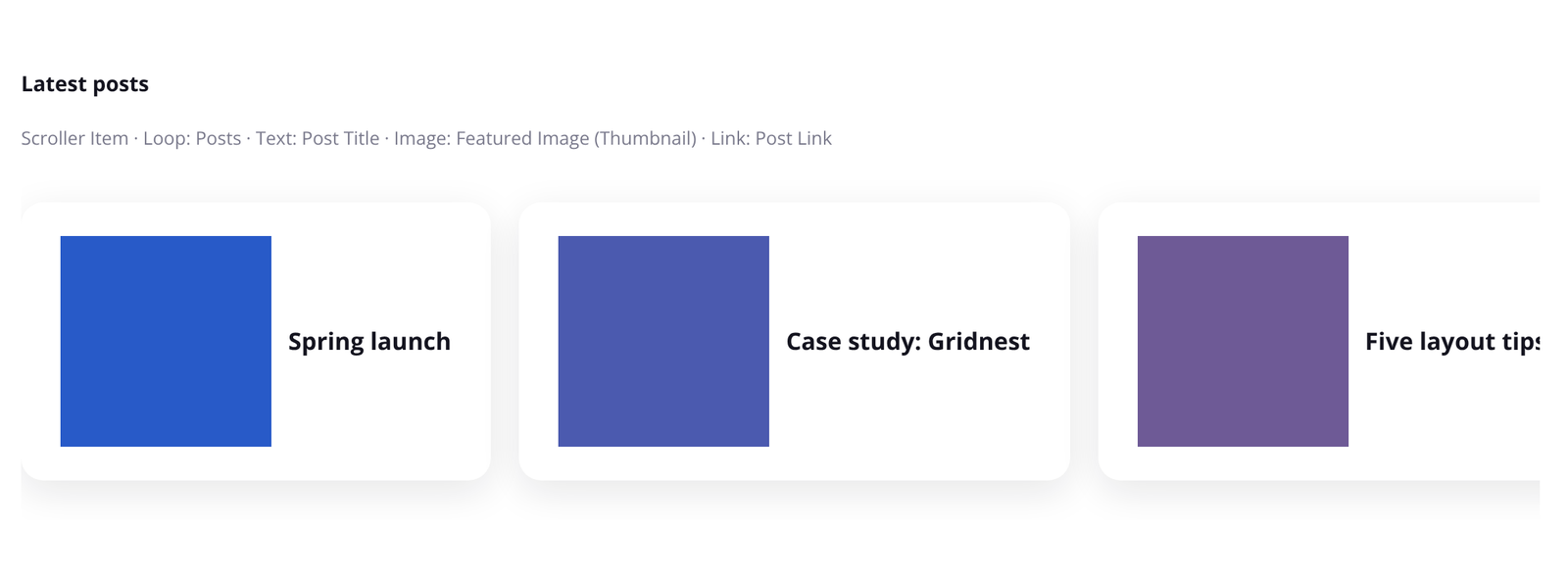
Builder preview: in the Visual Builder, a looped item shows all its results in one row. The front end shows the exact layout, including rows.