Logo Scroller
On this page
The Logo Scroller builds a logo wall from images in your media library. It’s the quickest way to show clients, partners or awards.
Content tab
| Group | Setting | What it does |
|---|---|---|
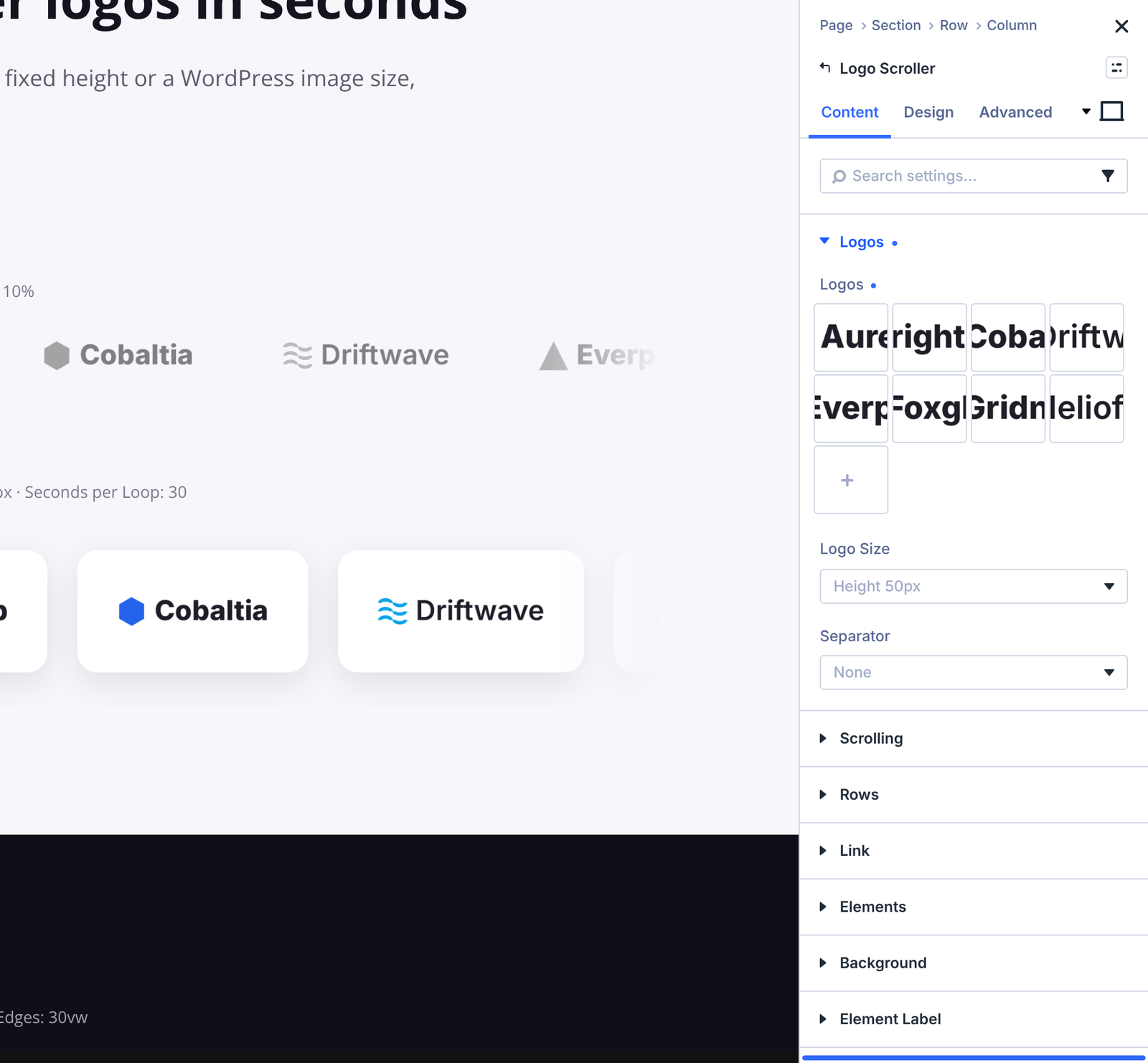
| Logos | Logos | Choose the logos or images to scroll. Drag them to reorder them in the media library window. |
| Logos | Logo Size | A fixed height (35, 50, 75 or 100px) keeps logos of any shape in line. You can also pick a WordPress image size (Thumbnail, Medium, Medium Large, Large or Full Size), which loads that file at its own dimensions. Default: Height 50px. |
| Logos | Separator / Separator Text | A symbol or your own text between logos. |
| Scrolling | See Scrolling settings. | |
| Rows | See Rows. | |
Design tab
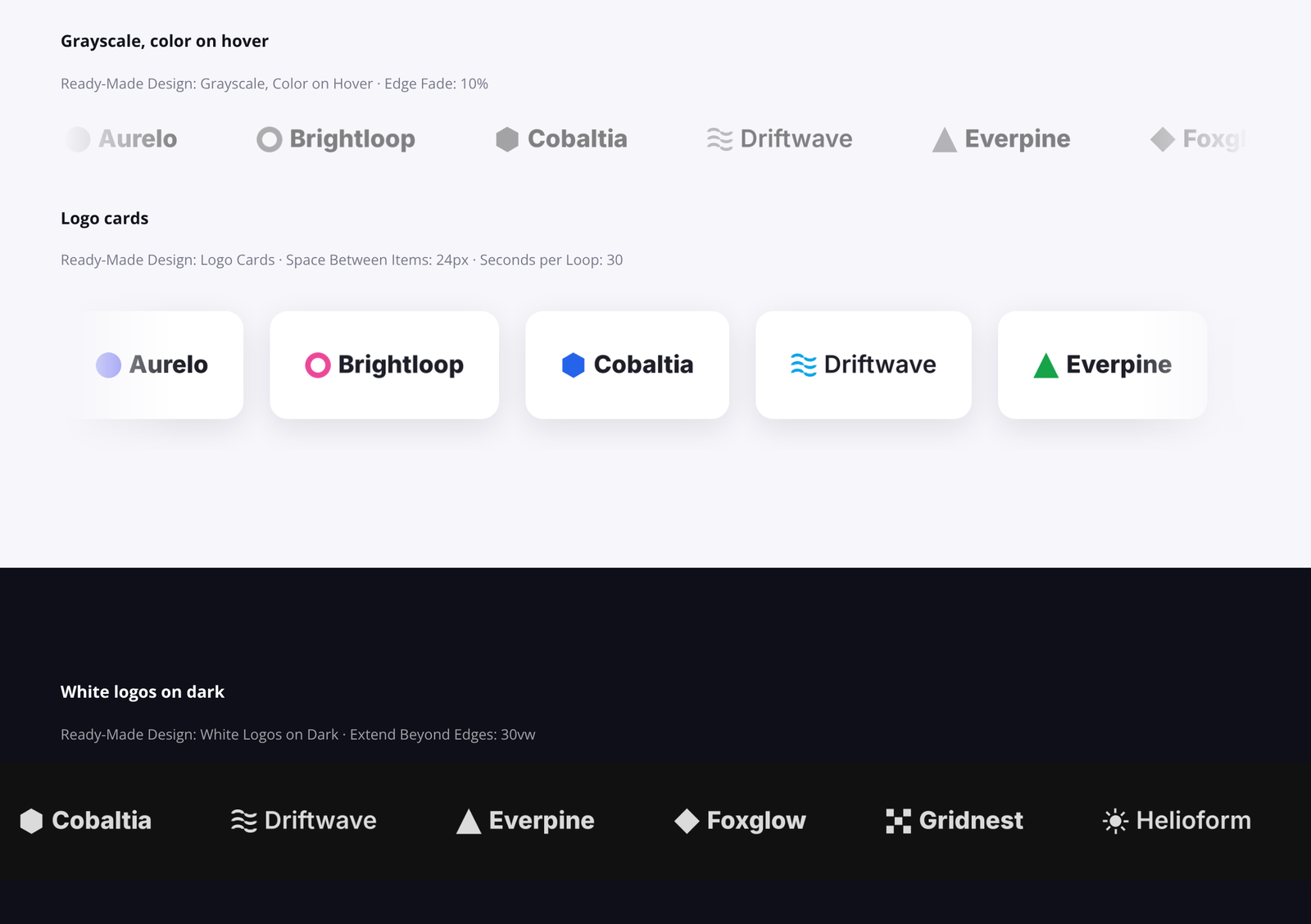
- Ready-Made Design: Grayscale, Color on Hover; Logo Cards; White Logos on Dark.
- Logos: border, box shadow and filters for the logo images (for example grayscale or opacity).
- Separator and Ribbon, as on the other modules.
Links: individual logos can’t be linked. To make the whole logo wall clickable, use Divi’s Link option on the Logo Scroller. If each logo needs its own link, use a Scroller with one linked Scroller Item per logo instead.
Tip: logos use the alt text from the media library, so add a short alt text (usually the company name) to each logo for screen readers and search engines.
Defaults: 64px between logos and a 10% edge fade.